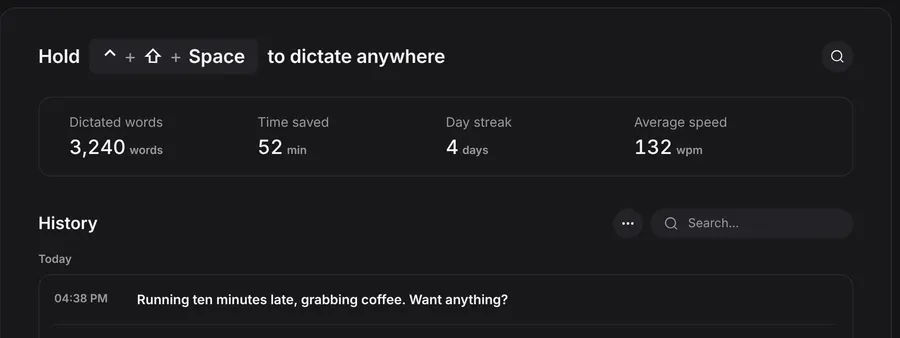
Parley
2026An iOS keyboard with on-device speech-to-text and clipboard history, plus a Model Lab for comparing open-source speech models on a real phone. It grew an Android keyboard, a Mac and Windows desktop app and a website in two weeks.
Personal · 2026
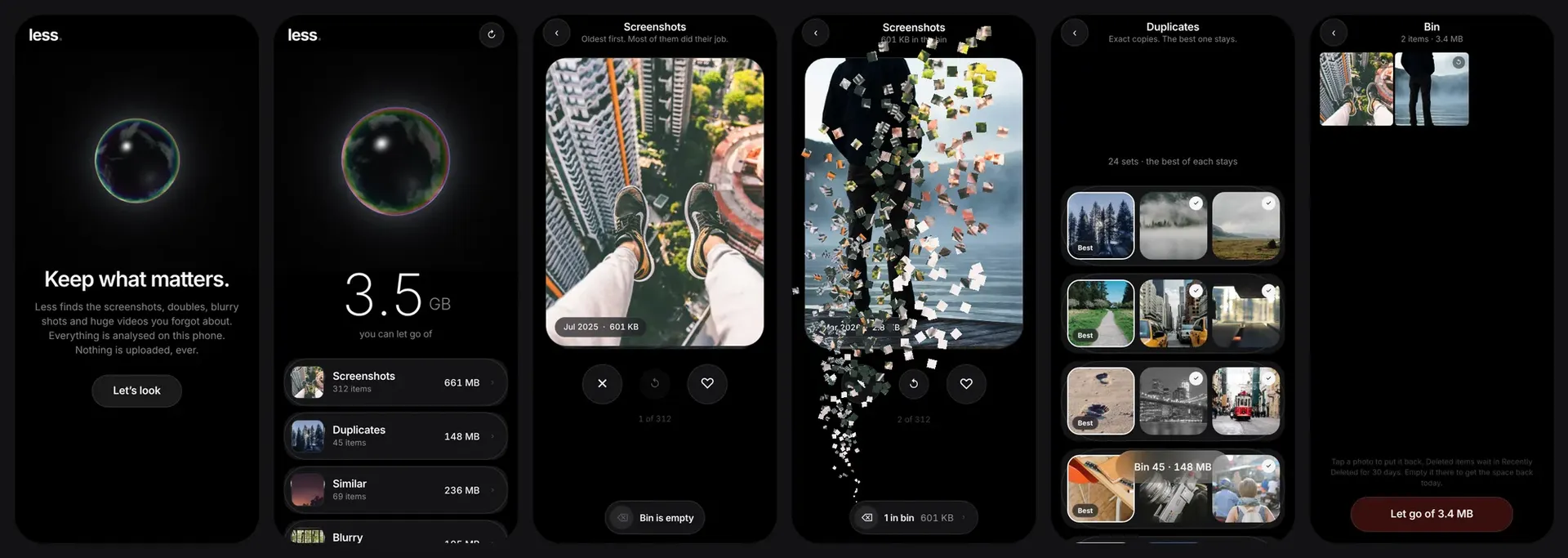
A storage cleaner for your iPhone photo library. It finds old screenshots, exact duplicates, near-identical retakes, blurry shots and huge videos, and lets you clear them with a swipe. Everything is analysed on the phone, and the photos never leave it.
read the case study ↓Every phone is full of screenshots that did their job, burst shots, doubles and forgotten videos. Cleaners either upload your photos somewhere or feel like chores. I wanted one that never uploads anything and makes the clearing feel good.
A Swift module does the scanning on a background queue and streams progress. JavaScript never touches pixels, and photos are shown straight from PhotoKit.
Eye and Apple Vision both fill the same per-photo record, so the grouping rules for duplicates, similar shots and misfires are written once.
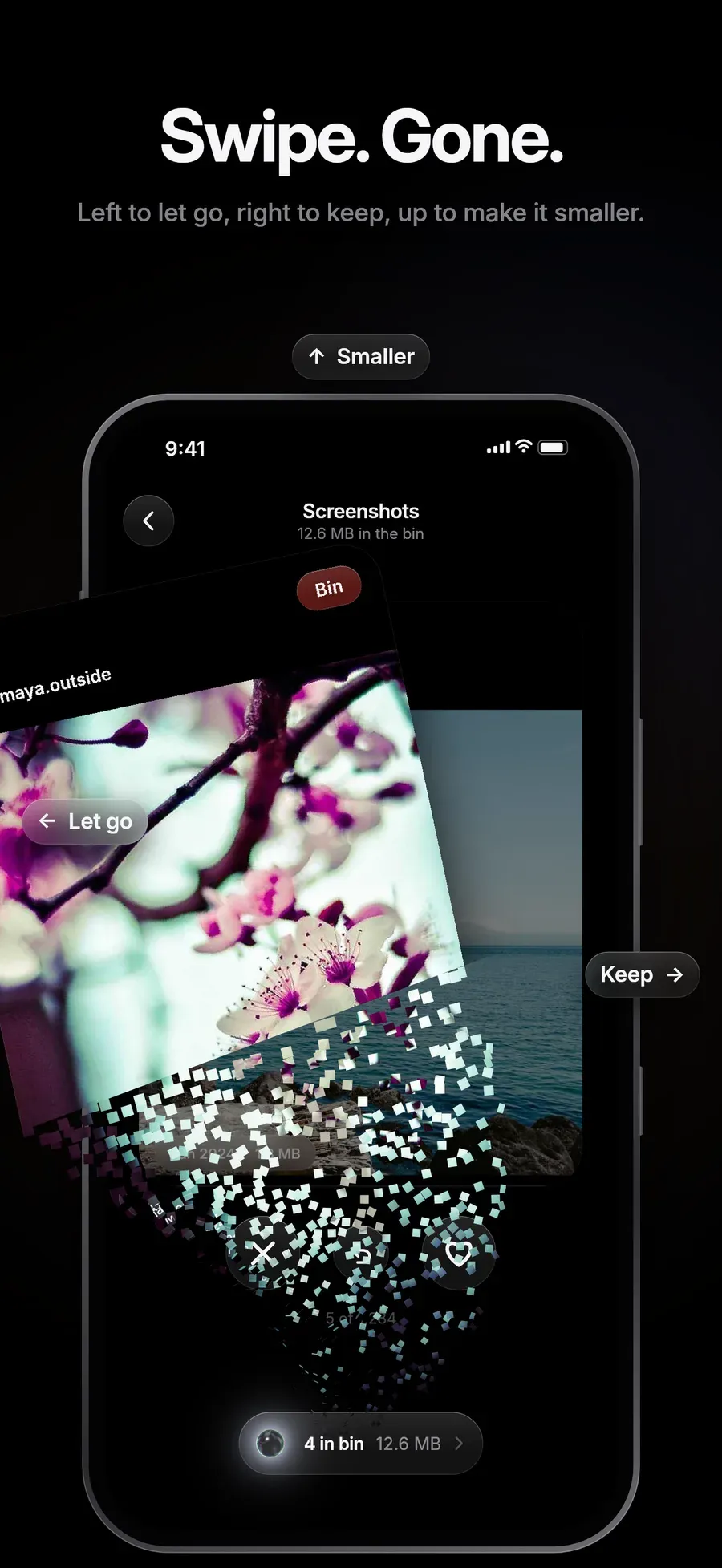
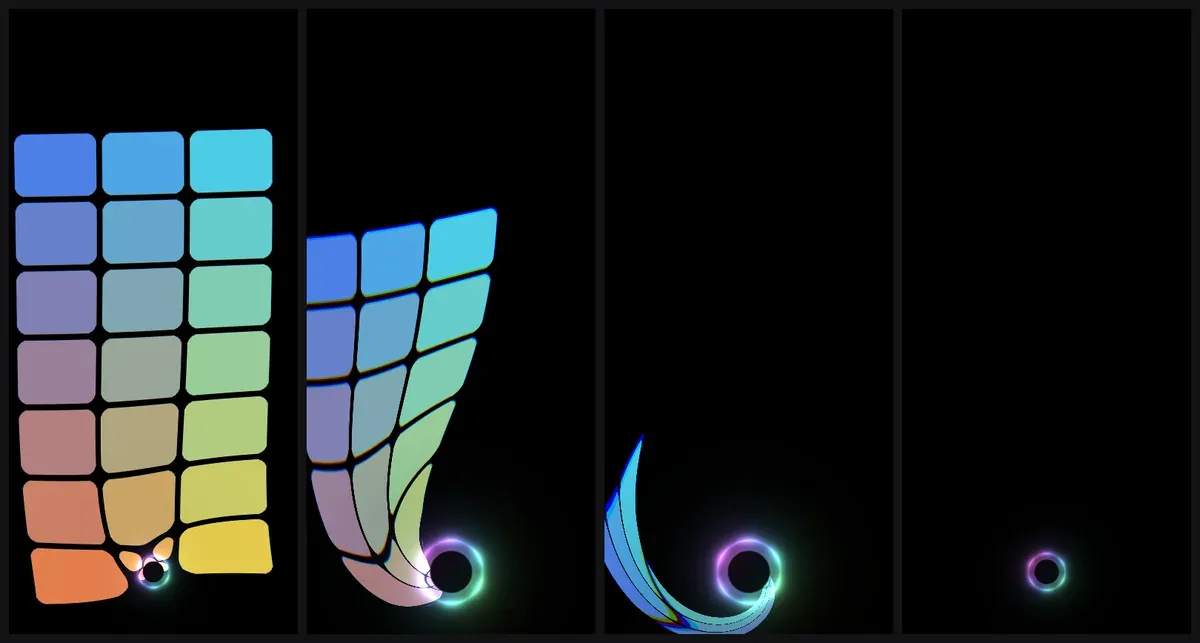
The swipe, the dust and the void are GPU effects drawn with Skia shaders, so letting go of a photo has weight.
iOS shows its own confirmation for deletes and keeps photos 30 days in Recently Deleted. The app says so instead of promising instant space.
Favourites and anything you swiped right on are never suggested again, and ID cards and medical photos are never offered as receipts or documents.
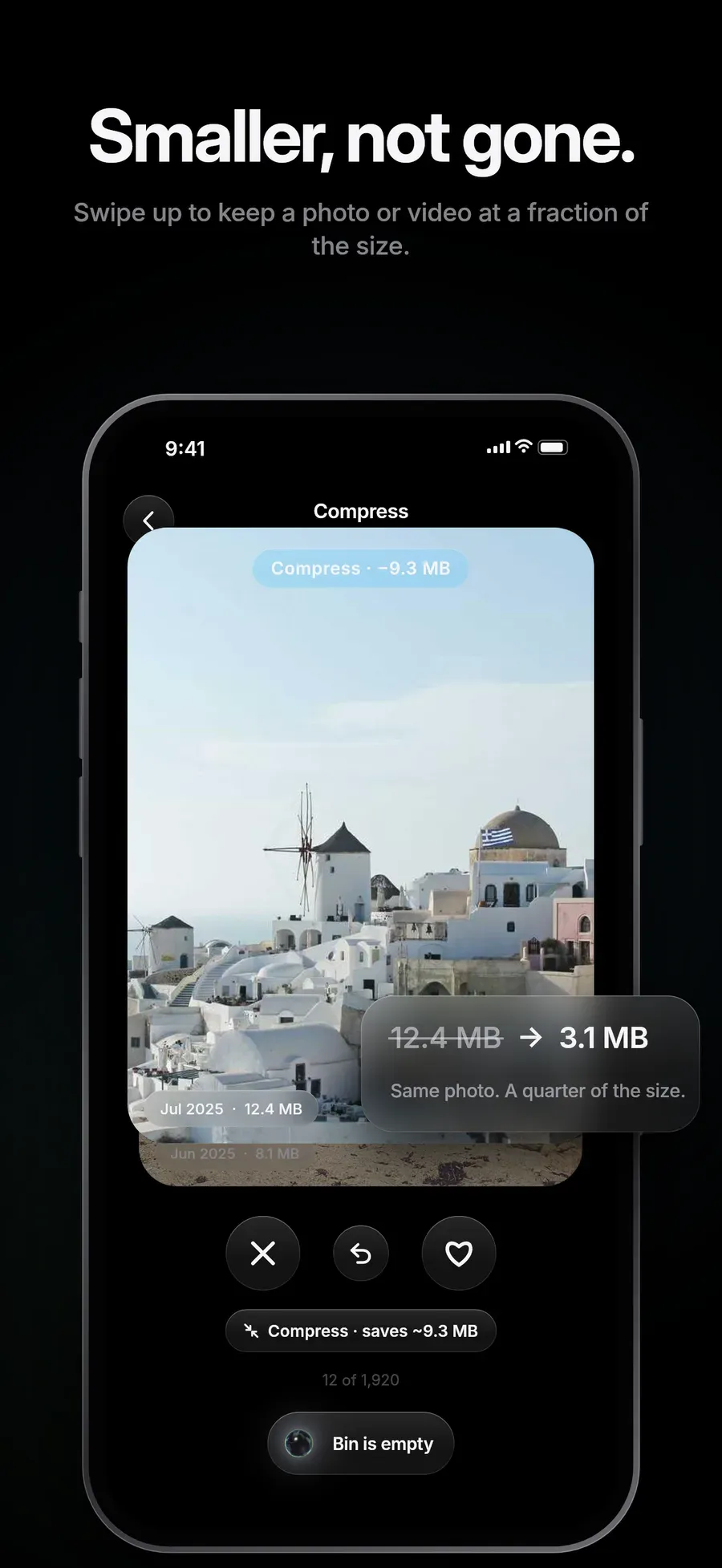
Less finds things in these groups, each with its own rule for which copy to keep:
It cannot delete silently, free space instantly, or clear other apps' caches. The sandbox does not allow any of that, and Less does not pretend otherwise.
 Expo SDK 58 + React NativeThe app, with expo-router screens
 SwiftThe scanner module: PhotoKit, Vision, video shrinking, background scans
 Eye (Desert Ant Labs) + Apple VisionOn-device photo understanding
 Cloudflare Worker, Better Auth, RevenueCatOptional accounts and purchases
 Sentry + PostHogCrash reports and anonymous usage
 AstroThe less.photos website
The scan runs in Swift on a background queue and shows a quick first pass, then keeps going deeper. An incremental cache means only new or edited photos are analysed again, and a background task continues while the phone is on power.
Letting go takes a snapshot of the real screen and feeds it to a shader with swirl, lensing and a chromatic split.
The native splash is held until JavaScript is ready and the animated frame has painted, and extra Skia surfaces wait until after it.
The on-device model's licence check sends only an install id and app identifier, never photos, so the app says the photos never leave the phone rather than that nothing is uploaded.
These numbers describe what was built. There are no usage figures.
A photo-library cleaner that does its thinking on your phone.
The website has the pitch, pricing and the launch film.
An iOS keyboard with on-device speech-to-text and clipboard history, plus a Model Lab for comparing open-source speech models on a real phone. It grew an Android keyboard, a Mac and Windows desktop app and a website in two weeks.
Want something like Less?
Tell me what you're making and I'll tell you how I'd build it.