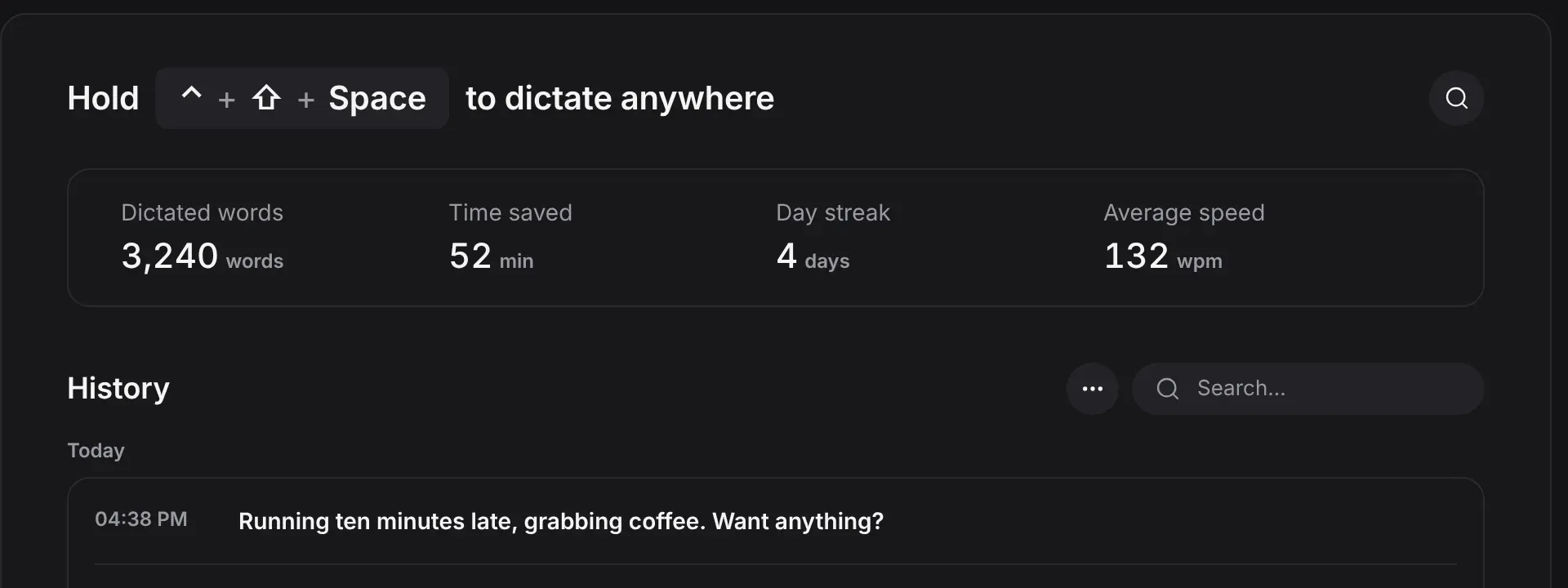
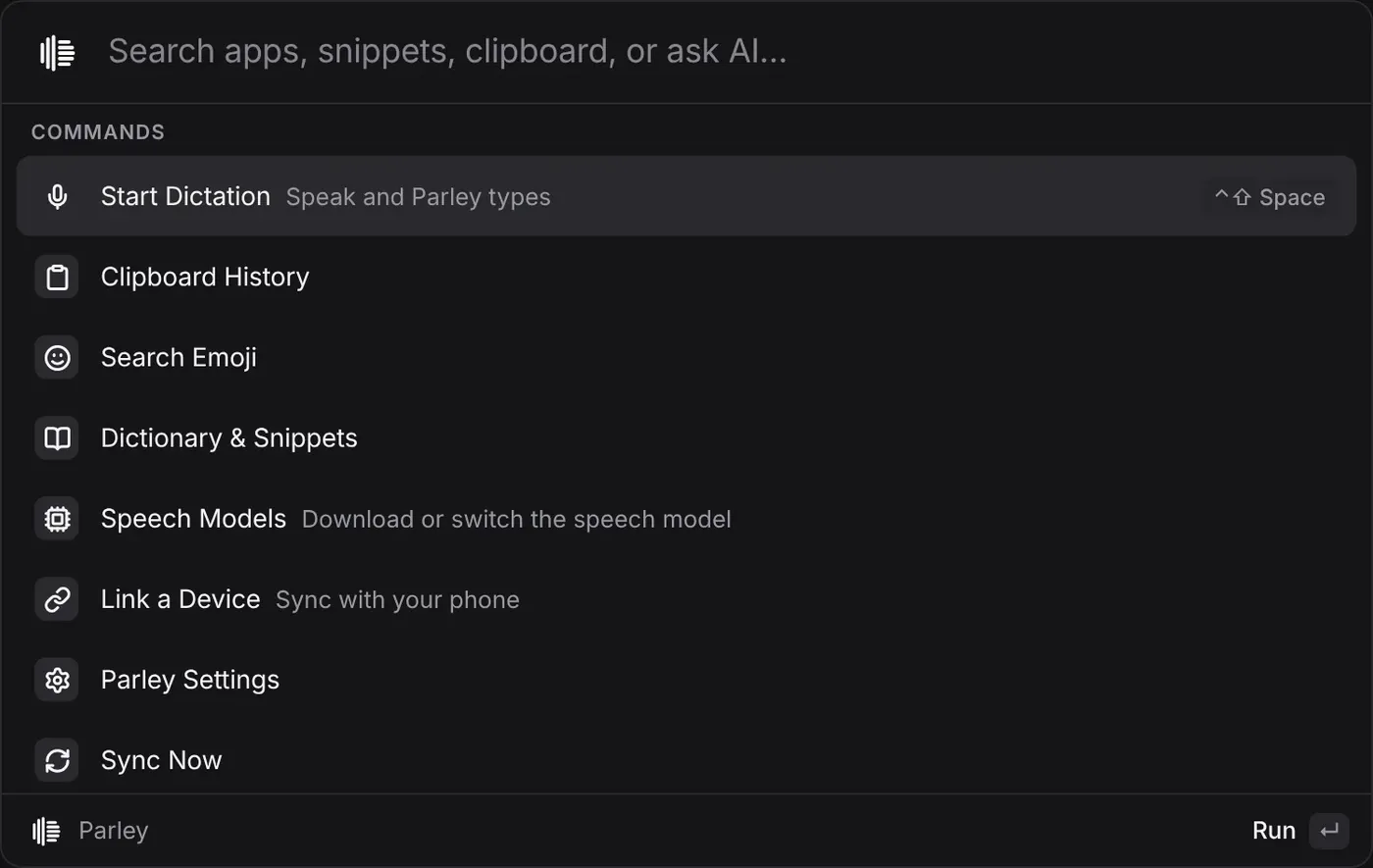
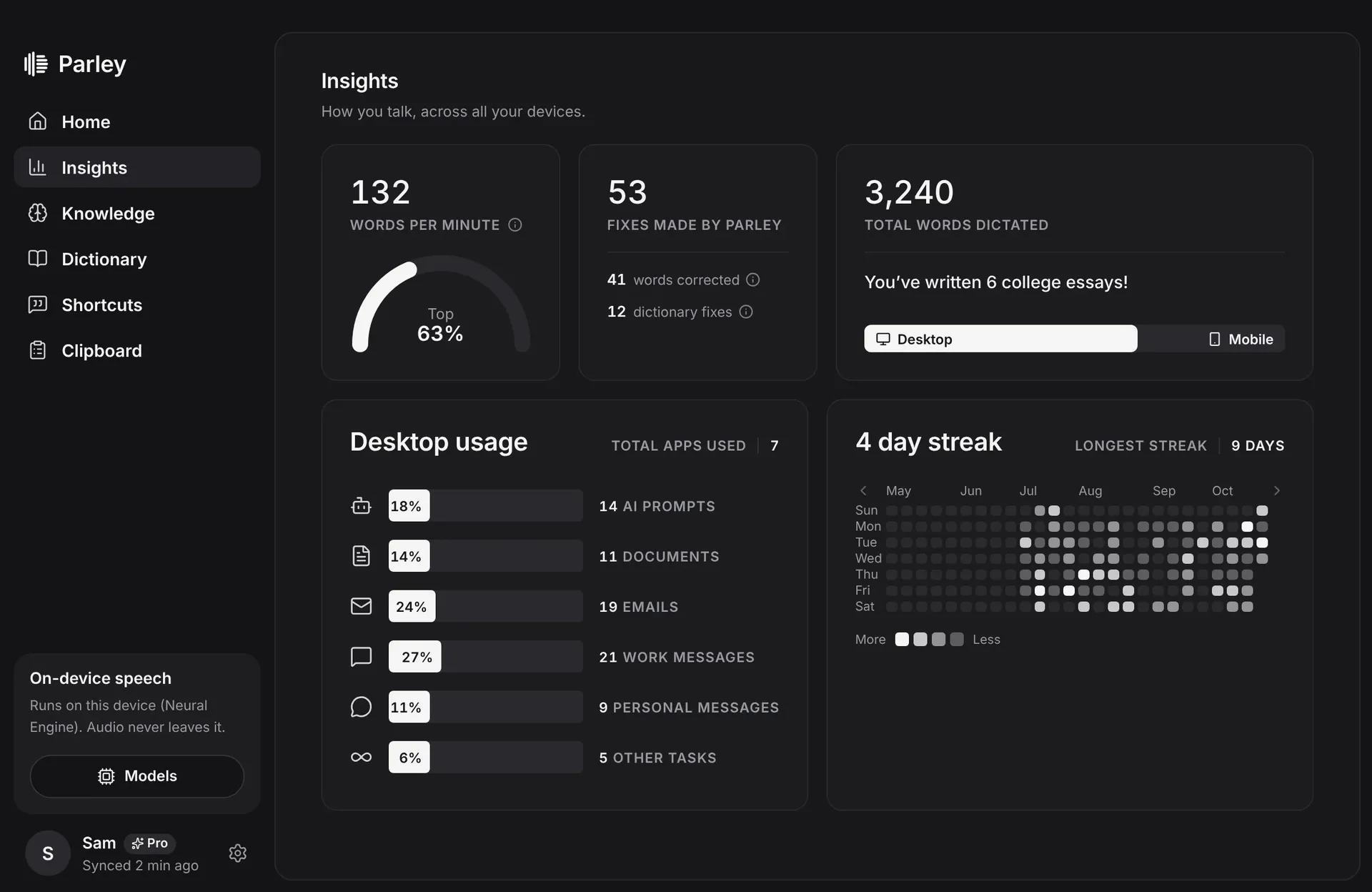
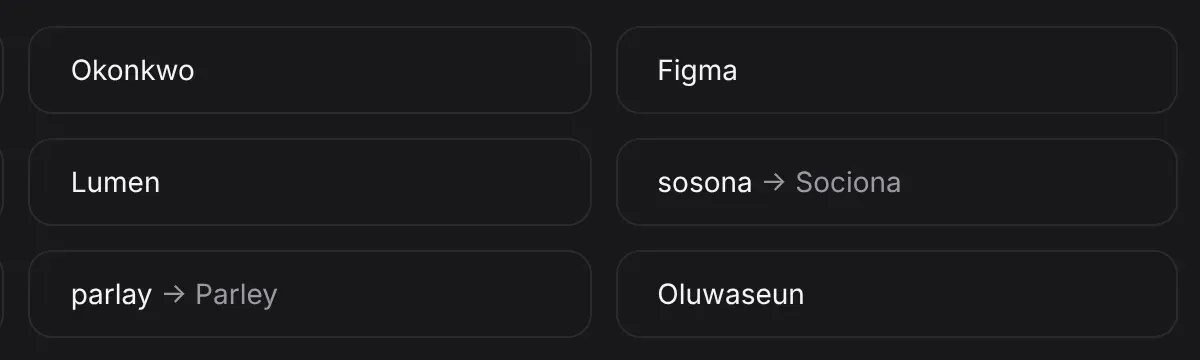
Parley desktop app home: hold a shortcut to dictate anywhere, your stats and your history (sample data)
the current version
2026

An iOS keyboard with on-device speech-to-text and clipboard history, plus a Model Lab for comparing open-source speech models on a real phone. It grew an Android keyboard, a Mac and Windows desktop app and a website in two weeks.

read the case study ↓
about.txt
role
Creator
for
Personal
stack
Swift, Kotlin, Rust, On-device AI
when
2026

The brief

Dictation apps live in a corner of the phone. I wanted voice typing in every text field, running on the device, without sending audio anywhere. iOS makes that hard for a keyboard, so the project is partly about the workaround, and partly about measuring which speech model is actually best on a phone.

facts.txt
Problem
On-device voice typing in any app, on a platform that blocks it
Audience
People who type a lot on phone and desktop
Platforms
iOS, Android, Mac and Windows
Models
WhisperKit, Parakeet, Apple on-device
Status
In development, private
Timeline
29 Oct 2026 to now

How I approached it

  1. 01
    Let the app do what the keyboard cannot

    The keyboard only shows UI. The app owns the microphone and the models, so the keyboard stays well under its memory limit.

  2. 02
    A written contract between the two

    One shared Swift file defines every message and every file in the App Group. It is copied into both targets, so they cannot drift.

  3. 03
    Measure the models, do not guess

    The Model Lab runs every selected model on every test clip and scores word error rate, speed and cold load, with text normalised so "forty five" equals "45".

  4. 04
    One engine, many surfaces

    The word list and emoji data are generated from the iPhone keyboard's sources for Android, and a check fails when they drift.

  5. 05
    Treat startup as a feature

    Loading a Core ML model compiles it the first time. The app prepares the voice model when it opens after an update, and logs every load.

A look at the desktop app

home (sample data)
home (sample data)
launcher
launcher
insights
insights
dictionary
dictionary
shortcuts
shortcuts

What it runs on

What got in the way

What came out of it

These numbers describe what was built. There are no usage figures.

What I learned

  1. When a platform blocks a feature, find the rule it cannot break and build around it.
  2. A shared contract file beats documentation. Both sides compile against it.
  3. Model quality on a leaderboard is not model quality on a phone. Cold-load time decided more than accuracy.
  4. Parallel agents work when each has its own branch and a clear boundary, as with the Android keyboard.

Parley: dictation that stays on your device

A keyboard, a model lab and a desktop app, built around the iOS microphone rule.

up next →
Omni Lab

Omni Lab

2026
closed source

React Native · On-device AI · TypeScript

A React Native test bench for on-device AI: every runtime that can run a model on a phone, in one app that downloads models from Hugging Face and runs them on text, pictures, video, speech and raw tensors with the same benchmarks and logs.

say-hi.txt

Want something like Parley?

Tell me what you're making and I'll tell you how I'd build it.

Overview