TinkFlash
The first commit: an AI flashcard and study tool, a FastAPI backend with a Next.js front end. It worked, but it was one more flashcard app, and the material still had to be uploaded by hand.
Clevaly · 2025–2026
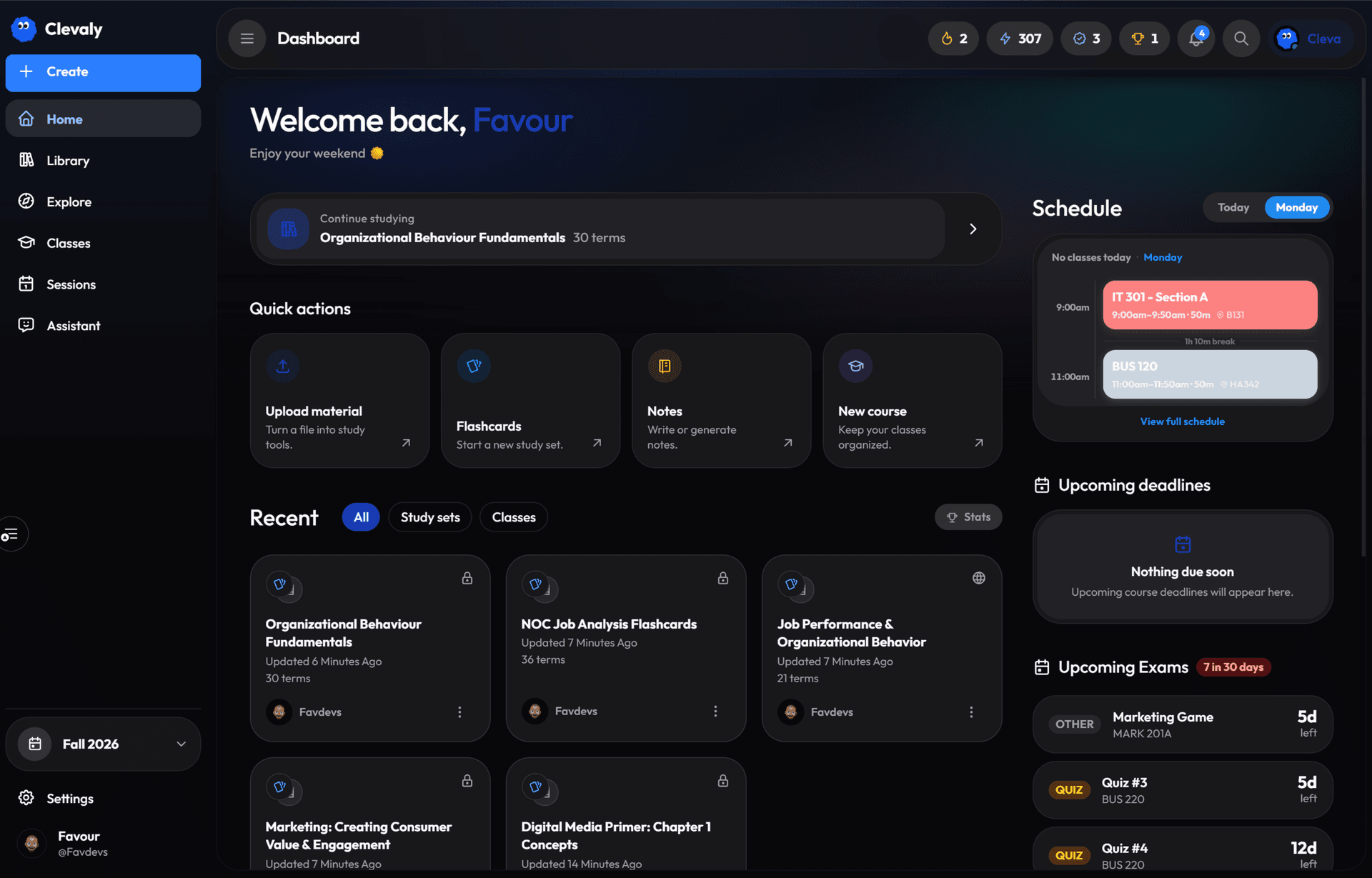
A school workspace that keeps classes, deadlines, notes and study sets in one place, with Cleva, an assistant that has already read your syllabus. Live in public beta on iPhone, web and Chrome.
read how it was built ↓Schoolwork is scattered across LMS portals, PDFs, notes apps, flashcard decks and a chatbot that has never seen the syllabus. Students re-explain the course every time they ask for help. Clevaly organises the day around classes, keeps study material attached to those classes, and gives the assistant that context.
Home is a schedule, deadlines and what needs attention, not a deck list. Study sets live inside classes, so the assistant never starts from zero.
Moodle, Canvas and Brightspace connect directly, and a Chrome extension covers the browser. The less a student has to move files, the sooner Clevaly is useful.
Syllabi become topics, grading and deadlines. Each class shows what Cleva found, what is missing and one next step, so the assistant answers from the course.
Mobile is local-first and syncs in batches. The web app is a full workspace, not a companion. A student can start on a phone between classes and continue on a laptop.
The marketing screens are the live app at a readable size. One clear screen per idea, with no pile of tiny mockups.
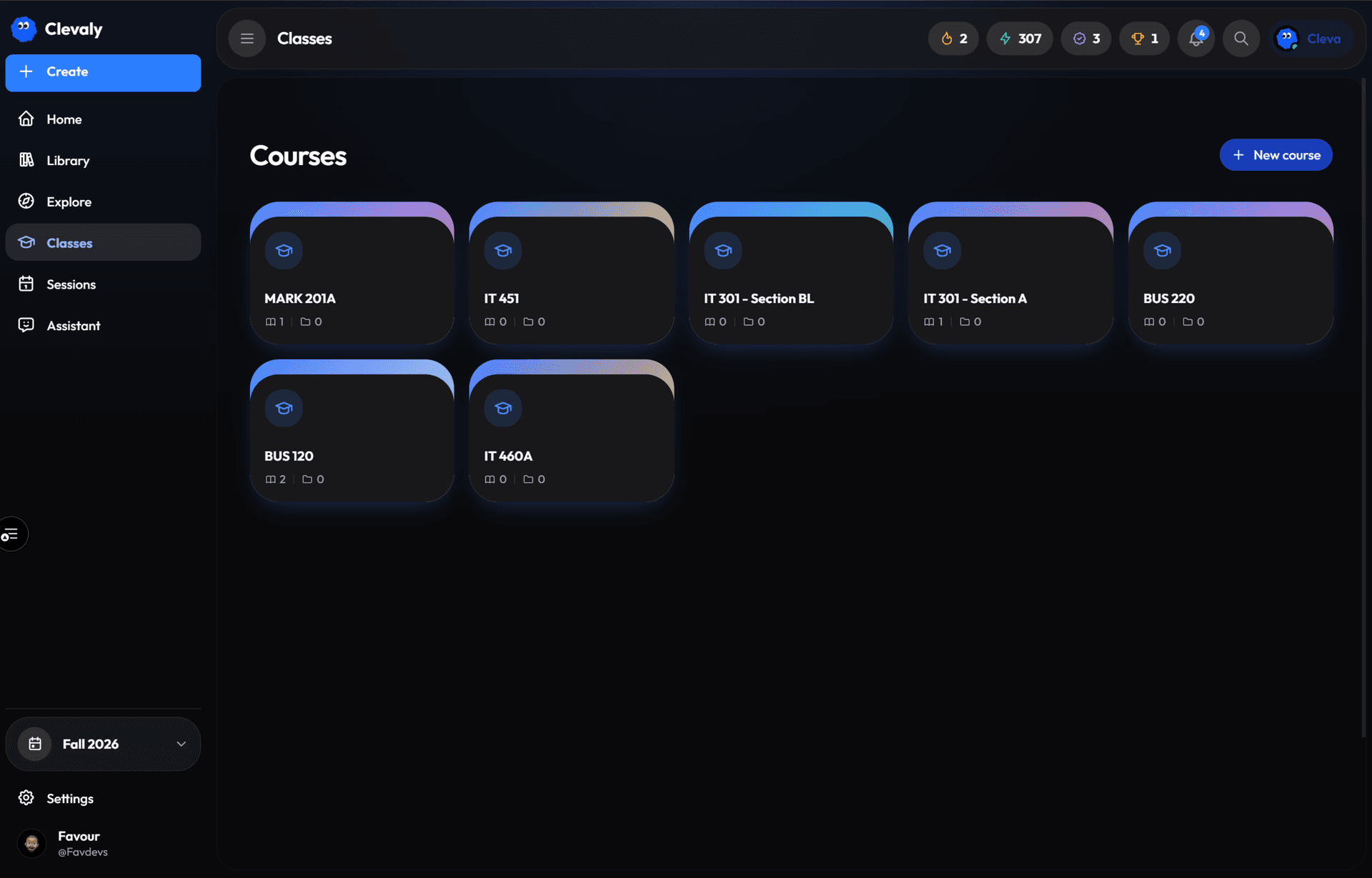
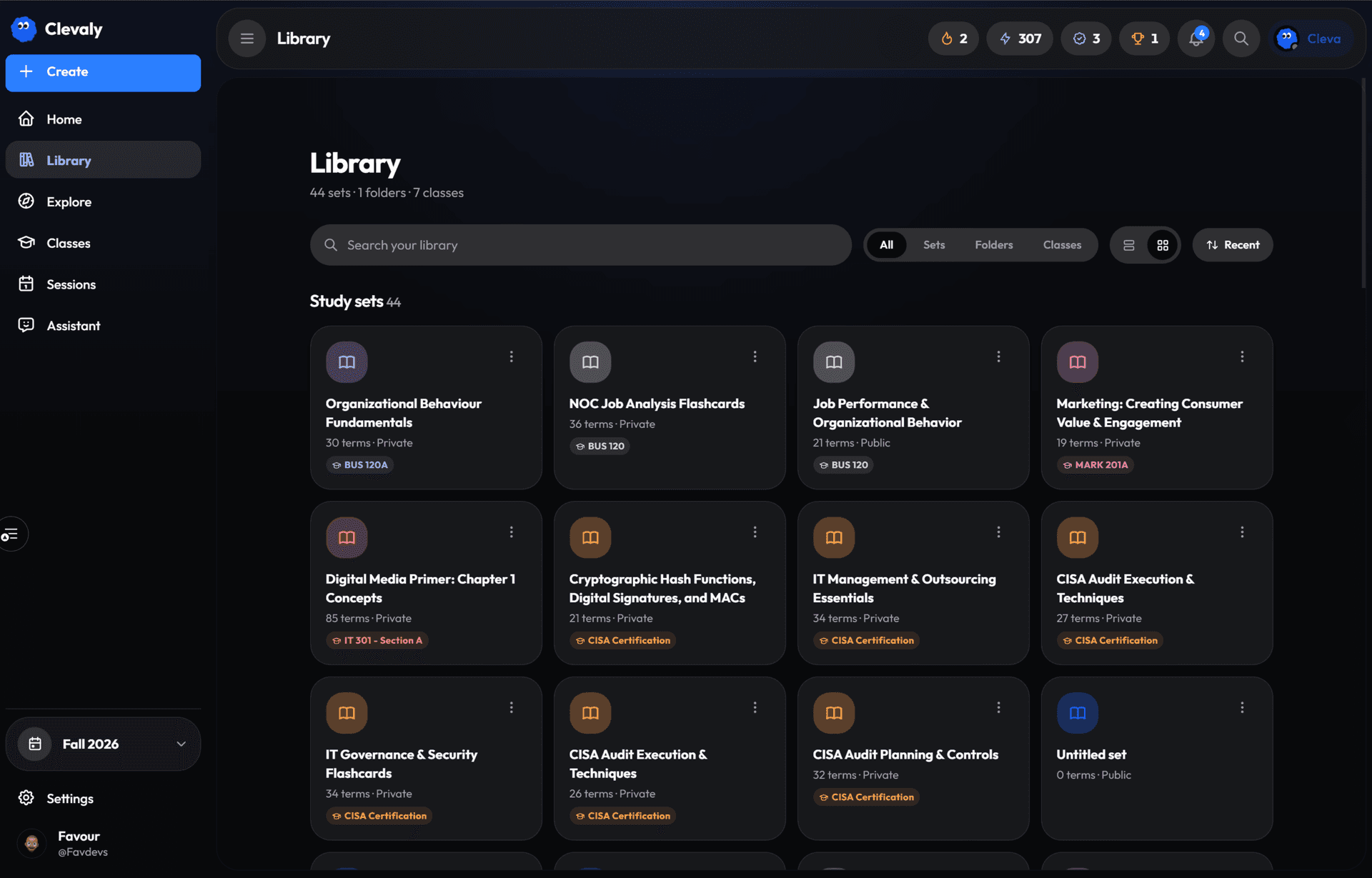
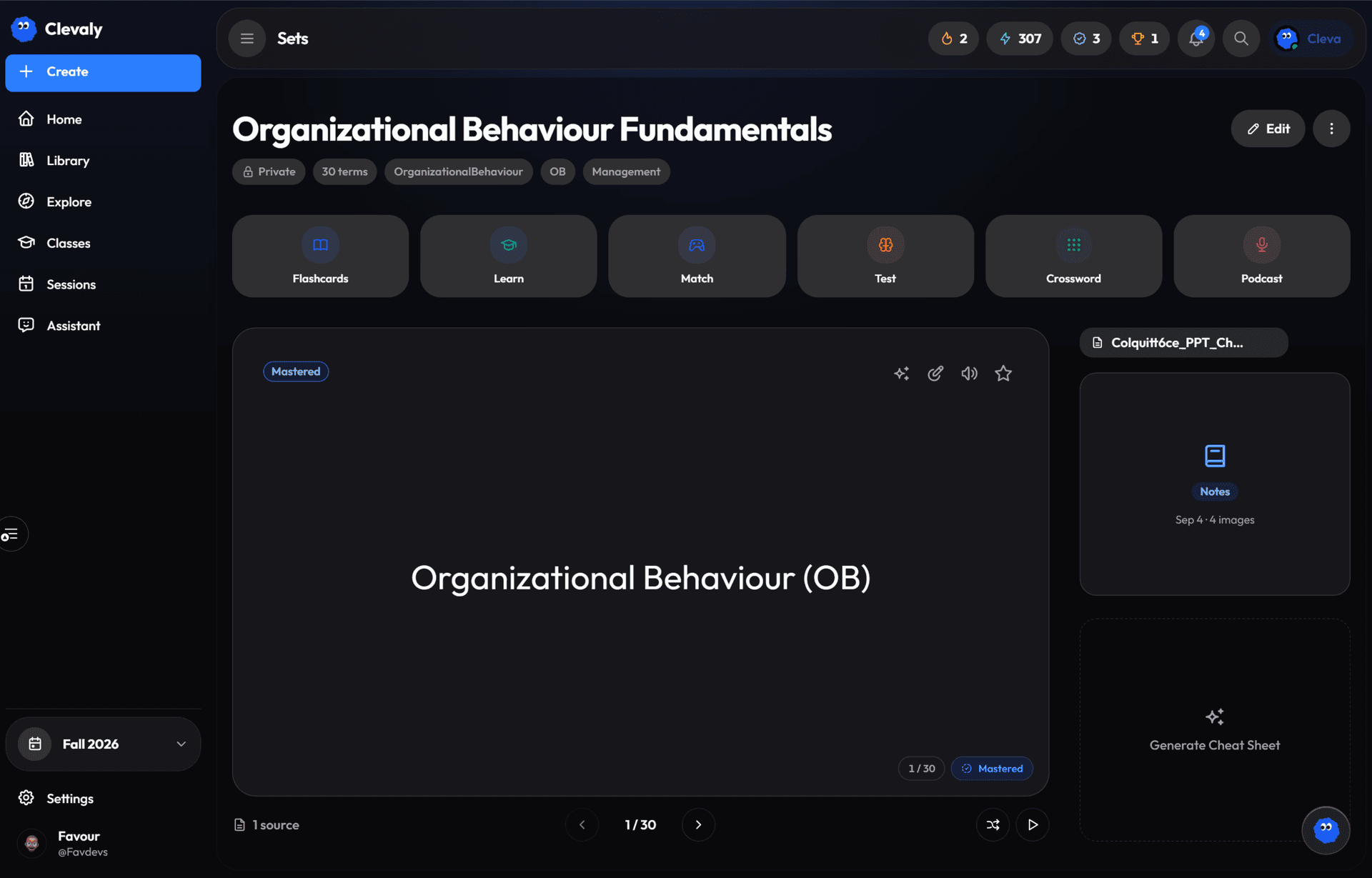
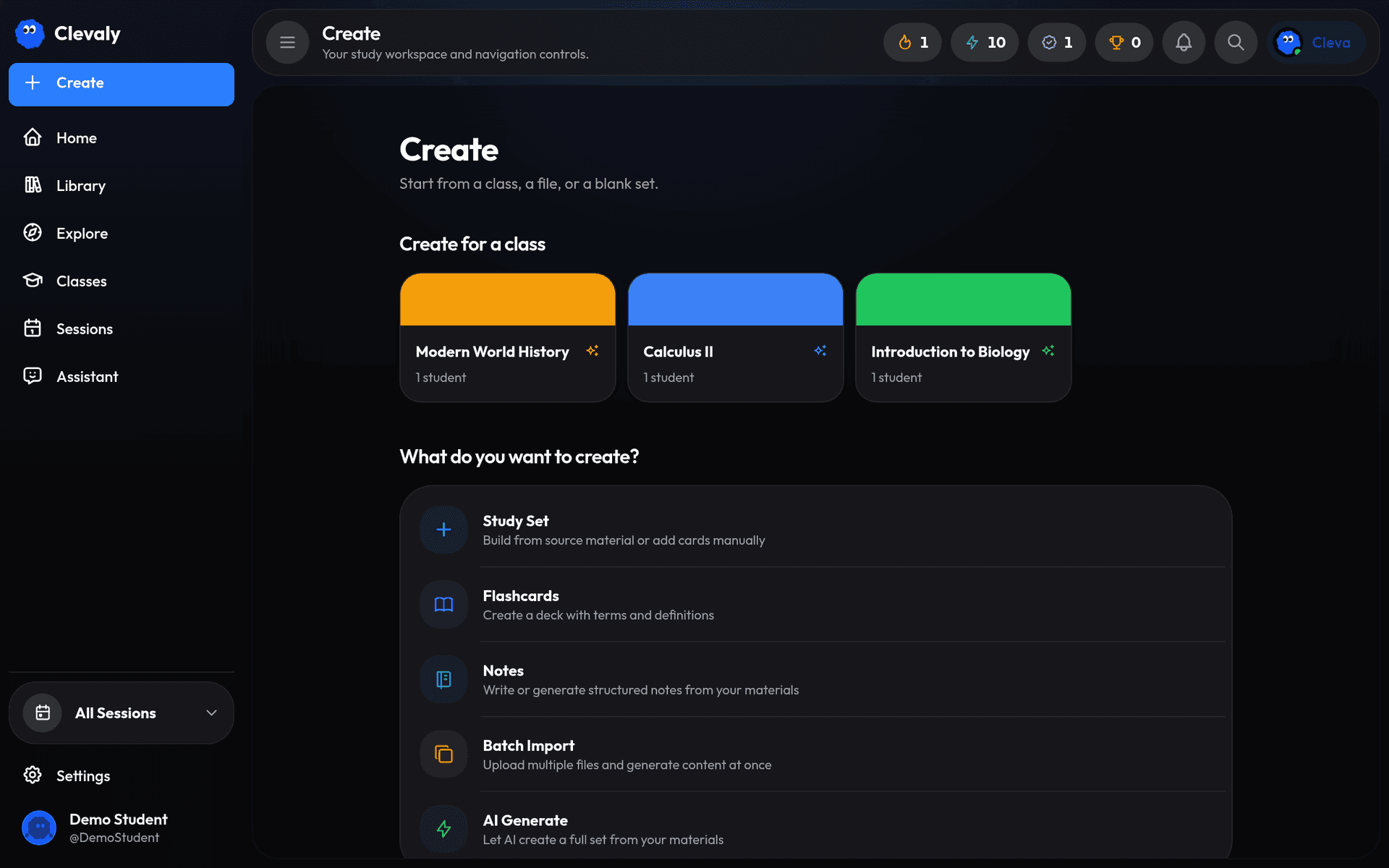
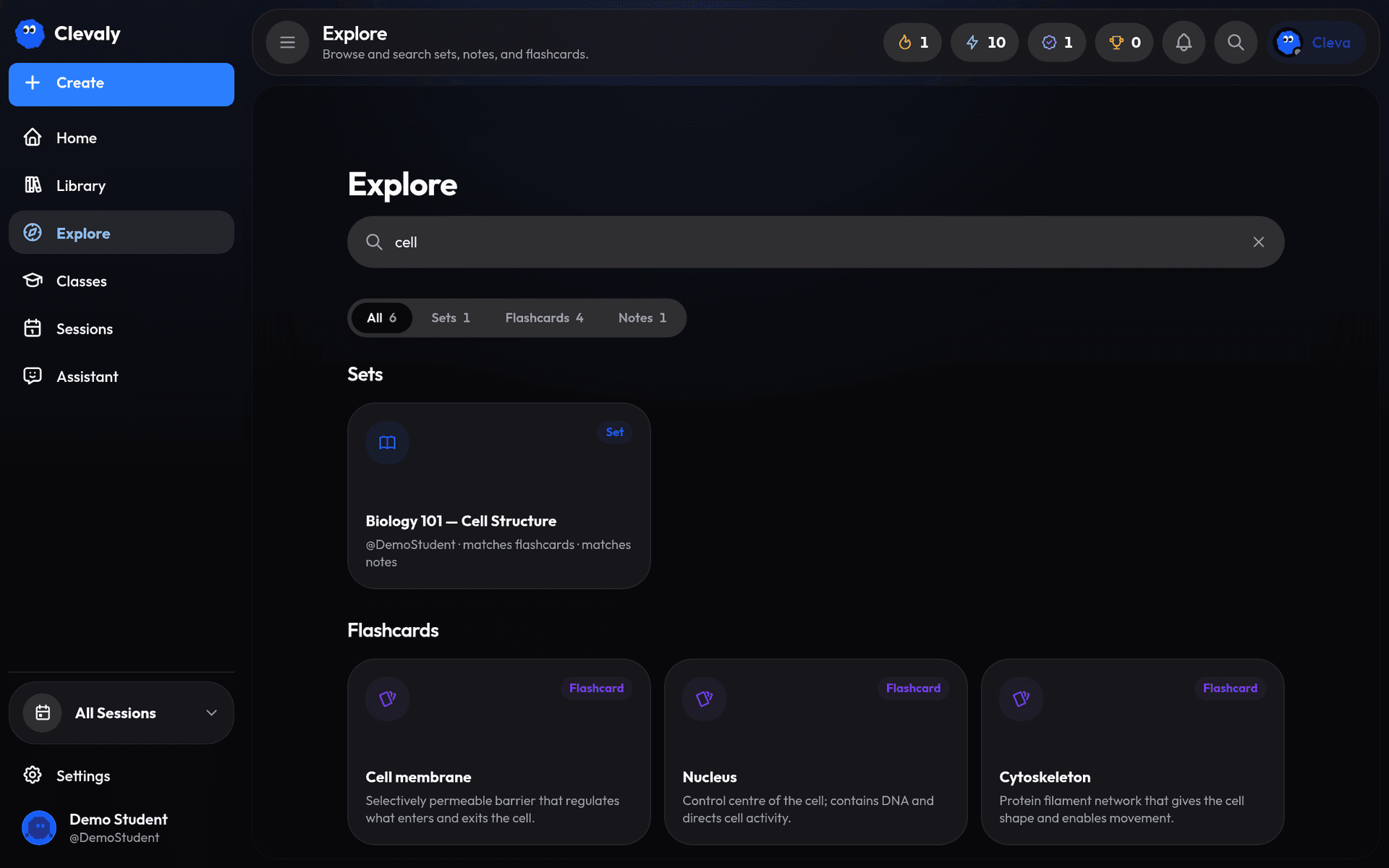
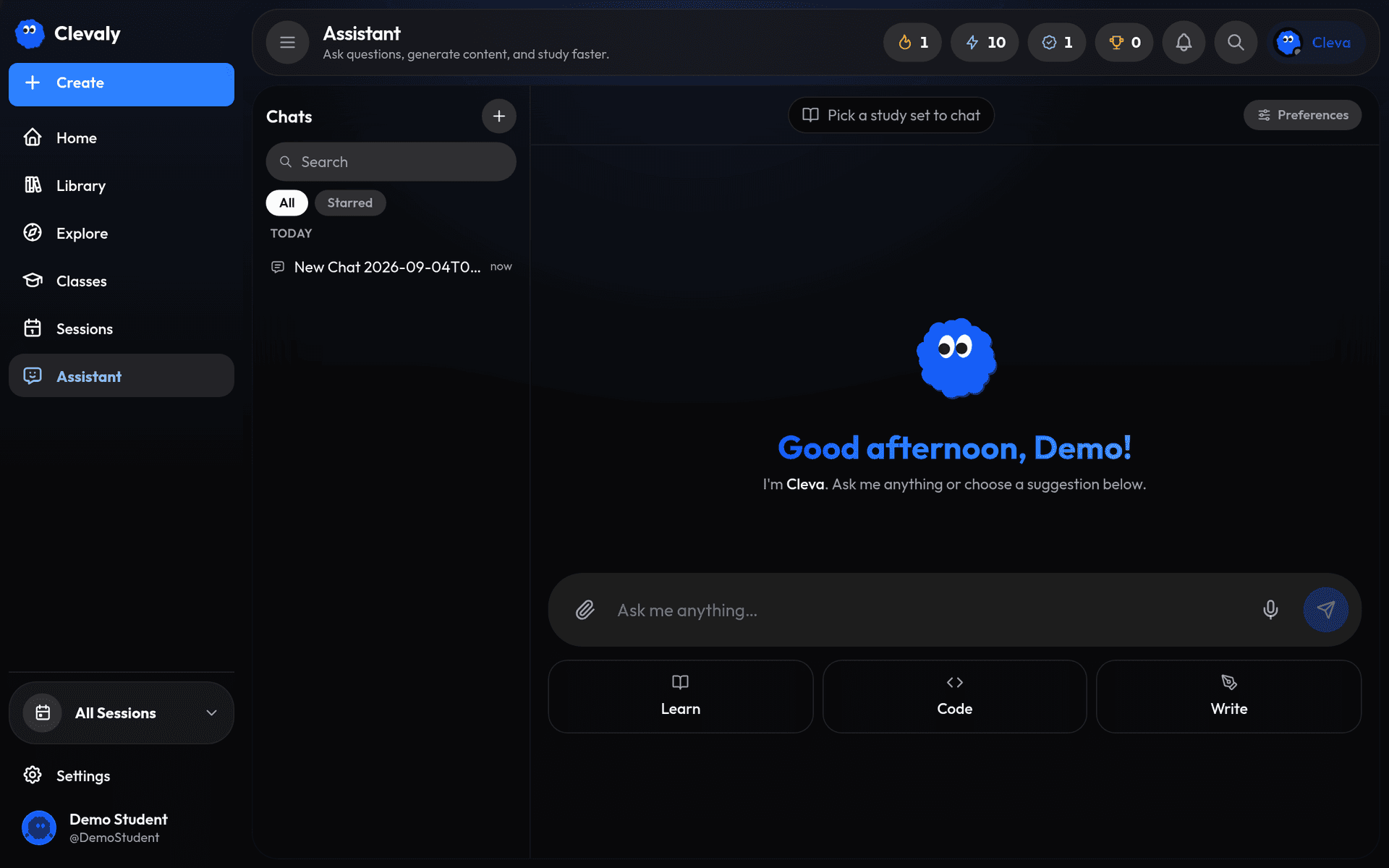
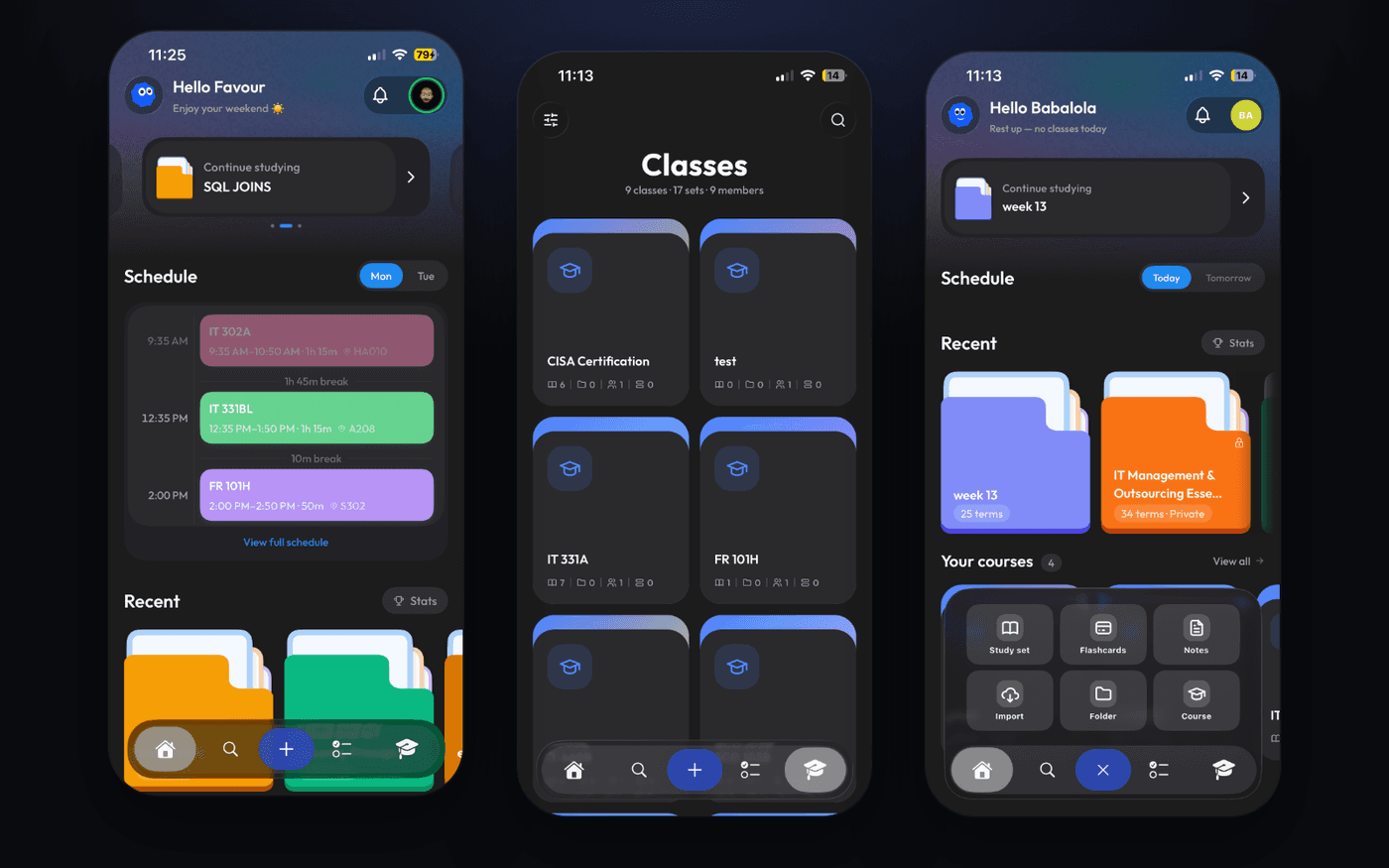
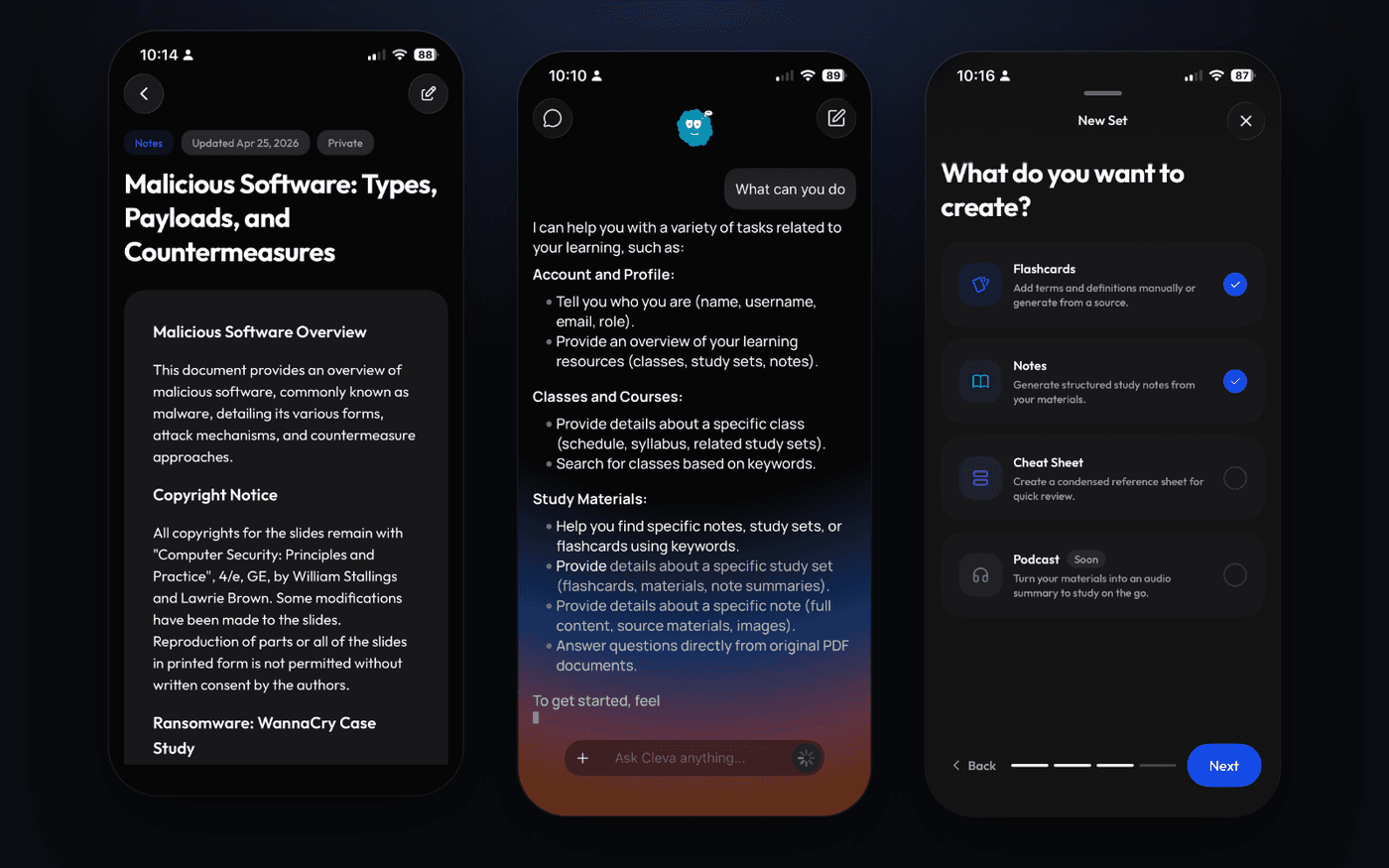
Flashcard apps such as Quizlet, Knowt and Anki start from a deck: you bring the material to them, and they help you drill it. A general chatbot starts from a blank chat that has never seen your course. Both leave the student to do the organising.
Clevaly starts from the student's classes and works outwards:
Weeks now say what they cover, using the section summary or the lectures inside it. Classes match by course code or by name, and placeholder text is skipped.
Only a syllabus Cleva actually read from a document counts. Partial ones say what is missing, and what Cleva has already announced is remembered.
Writes to the local database are batched, with timing logged, so the sync stays out of the way of the UI.
The extension announces itself on Clevaly pages so the app knows it is installed. A student with empty classes gets one "open this on your computer" email, once, and never if they muted updates.
A planner agent decides whether to reach out, when and about what. Deadline emails go out at most weekly, and only after Cleva has already read one of the student's classes.
Clevaly is live in public beta on iPhone, the web and the Chrome Web Store, with Moodle, Canvas and Brightspace imports and a course-aware assistant. These numbers come from the build history. There are no user figures yet.
Live in public beta on iPhone, the web and the Chrome Web Store. The successor to TinkFlash.
Public beta. Sign up on the web or get the iPhone app. A Chrome extension is on the Chrome Web Store too.
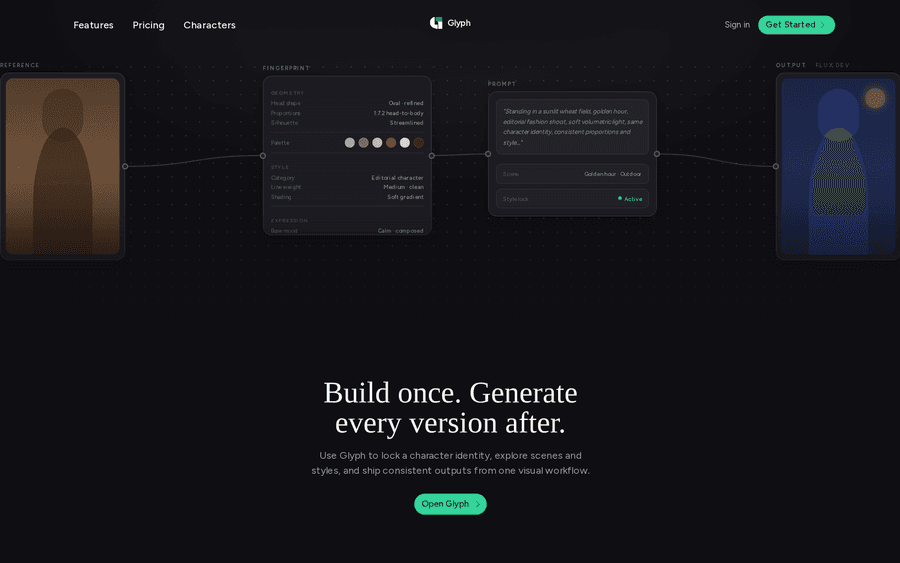
A node-based image workspace for character-consistent generation. Lock a character's identity once, then branch into scenes and styles on one canvas, instead of re-prompting a chat and watching the face drift.
Want something like Clevaly?
Tell me what you're making and I'll tell you how I'd build it.